What film festivals ask you to deliver
A submission screener gets a film in front of a programmer. A festival exhibition package gives projection, accessibility and publicity teams the materials to present an accepted film. As soon as you receive an invitation, ask for the technical packet for that edition and the name of the person who can approve exceptions. Set dates for testing and replacement as well as final delivery.
- Will the Saturday screening and the encore use the same composition and caption version?
- Which server needs a key, during what local times, and is there a separate window for testing?
- Who can confirm ingest and an auditorium playback before the replacement deadline?
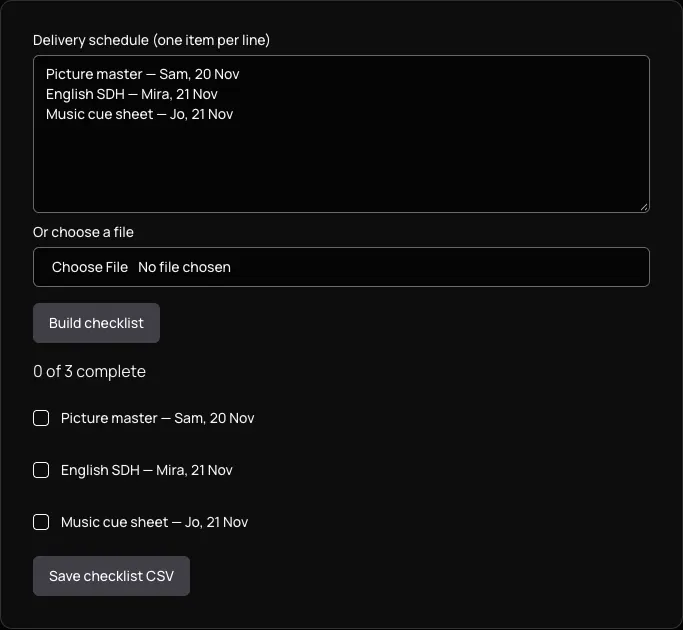
Separate what the festival needs for each screening
Make one row per exhibition situation. An in-person screening can require a DCP, while an online screening may use a file and a separate caption asset. A discussion screening with a filmmaker present might use the same picture but need an additional captioned composition. Record the venue, show date, receiving contact, master version, accepted transfer method and language requirements.
Requirements change between festivals and years. For example, Sundance’s 2027 exhibition FAQ specifically calls for an open-captioned DCP version for English-language projects for in-person screenings. Treat this as a question to ask any other festival rather than a preset to copy. Confirm how its projection team identifies the captioned version and which version should be scheduled for each screening.
Agree on the picture and sound before encoding
Ask for the accepted container and frame rate, audio layout, subtitle treatment and encryption policy. Supply a short description of the finished film’s aspect ratio and sound mix. If the venue needs a different container, confirm how they want the image placed inside it. A production with black bars already in the source can acquire a second set of bars during packaging. Check a frame from the actual exhibition export.
Confirm the finished runtime from first to last program frame. A screener might include a countdown, watermark or contact card that should never appear in the theatrical presentation. Have the director or producer approve the first image, the final frame and the version of the credits. Include the sound tail in that approval; reaching black picture need not mean the audio has finished.
Give caption review its own screening
Play the captioned presentation on a screen large enough to judge position and scale. Check the first and final cues, a fast exchange, a sound identified off screen, captions over an important lower third and any accented names. If captions are open, the audience sees them throughout. If the screening uses selectable captions or access devices, ask the projectionist to test that playback path separately.
Keep a record of which caption version belongs to which picture version. If the film replaces a festival logo at the head, recheck sync throughout. A late credit correction near the end can leave early dialogue untouched and still clip the final cue. Tell projection which exact composition or file to retire after a replacement arrives.
Prepare publicity and handoff materials
Name an owner for stills, the approved synopsis, artwork, trailer, filmmaker biography and credits. Check the festival’s requested dimensions, deadlines and rights for use before selecting images. Use the secure transfer channel provided by the festival and confirm receipt. For a DCP, ask about ingest and a test playback. A successful upload alone cannot establish that the auditorium played the intended version.
If the film has screenings in more than one auditorium, ask whether each room has ingested the same composition. A rehearsal in one space establishes that space’s playback. A second room may use another server or a different access setup. Give the technical liaison a contact who can identify the correct package quickly during the entire festival window, including the encore.
Questions about this resource
Which instructions apply to my particular delivery?
Confirm the destination, title version and deliverable with the receiving team. Use the linked references and worked example to prepare questions before you send a final file.
Can my team see this workflow on a demo?
Join the ReelPost waitlist with your email and reply to the welcome message. A team member can arrange a walkthrough around the deliverable on your schedule.